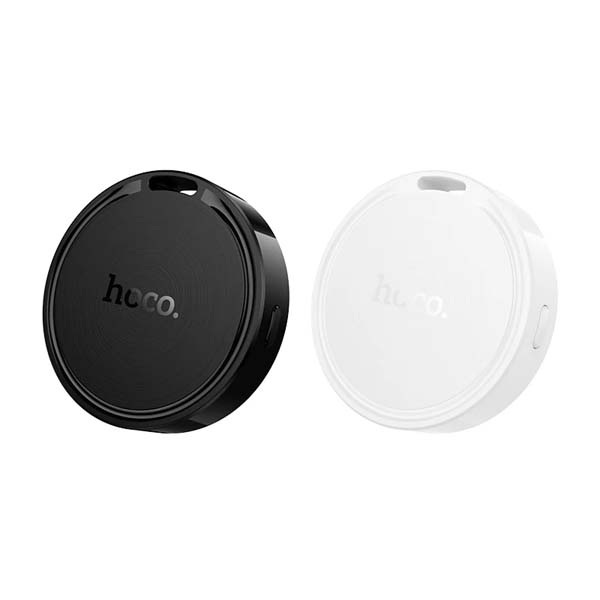

Hoco E96A Price in Bangladesh
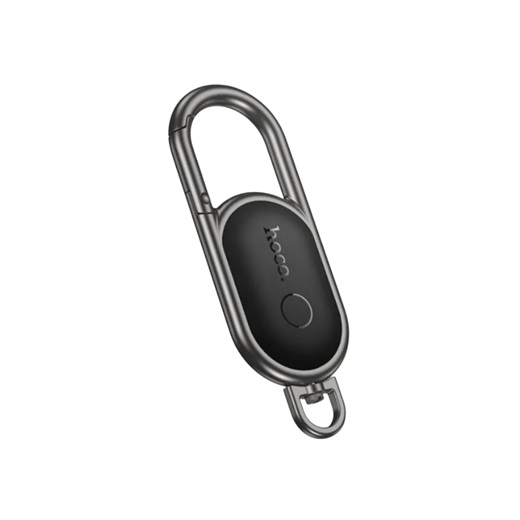
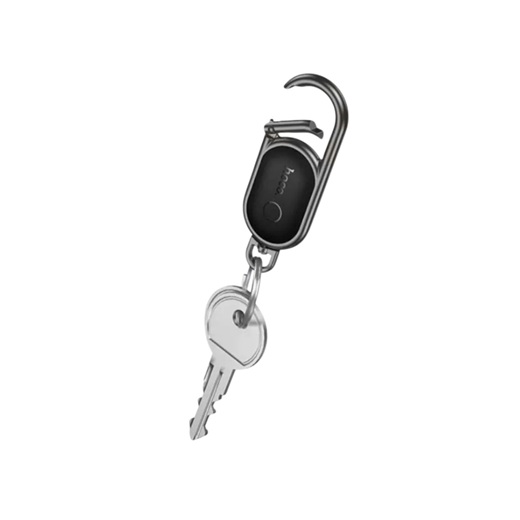
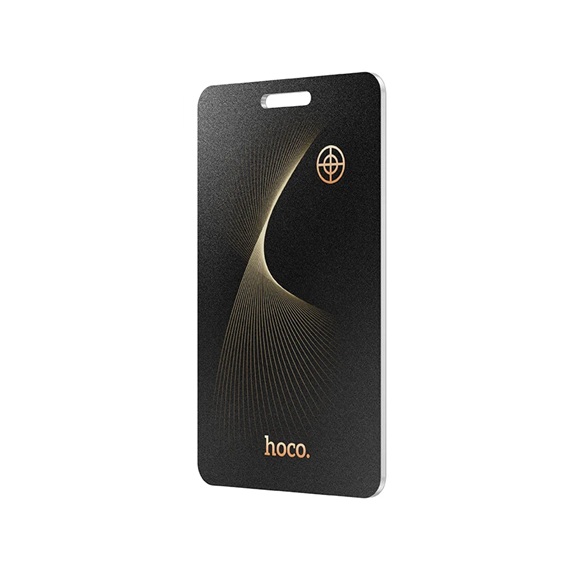
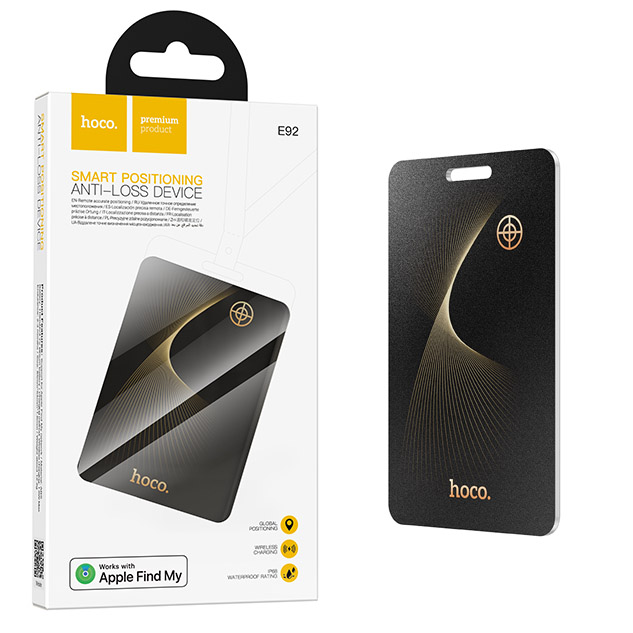
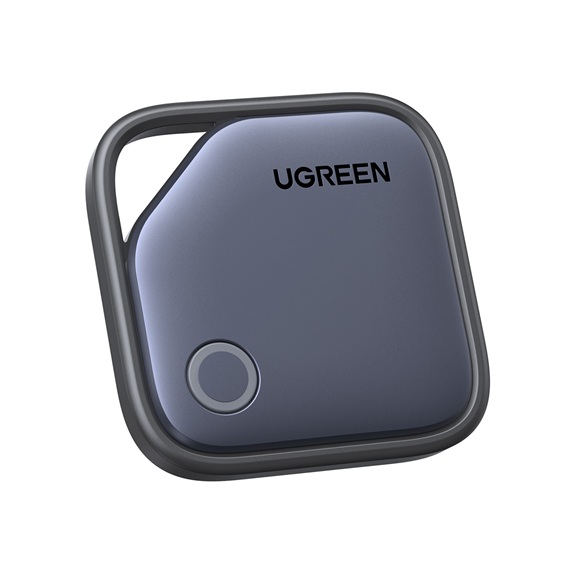
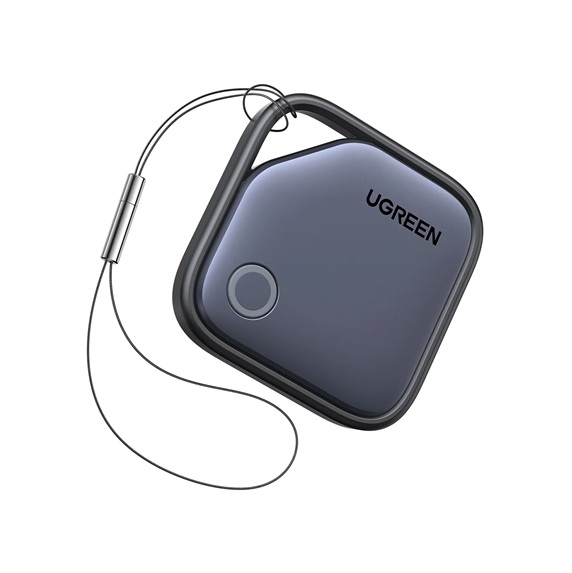
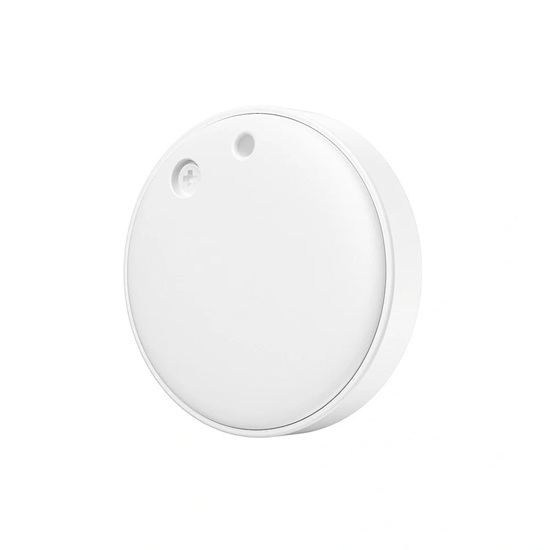
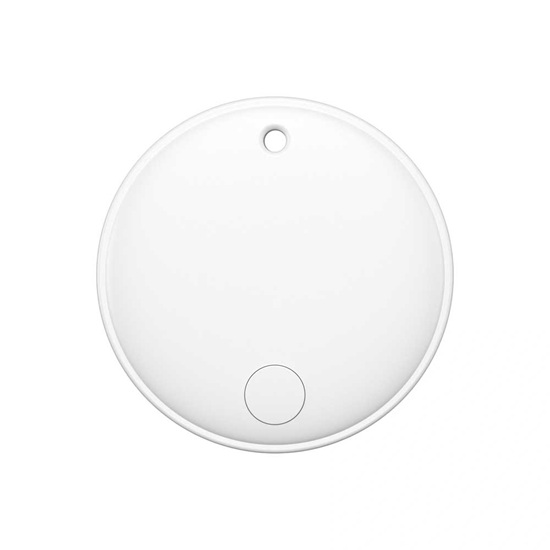
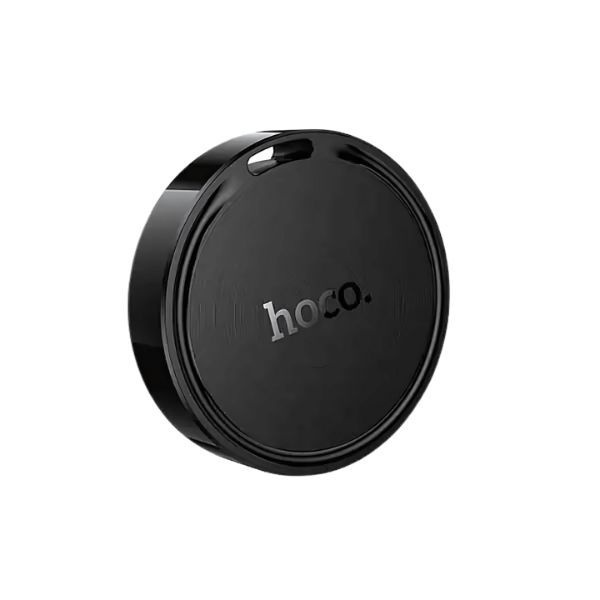
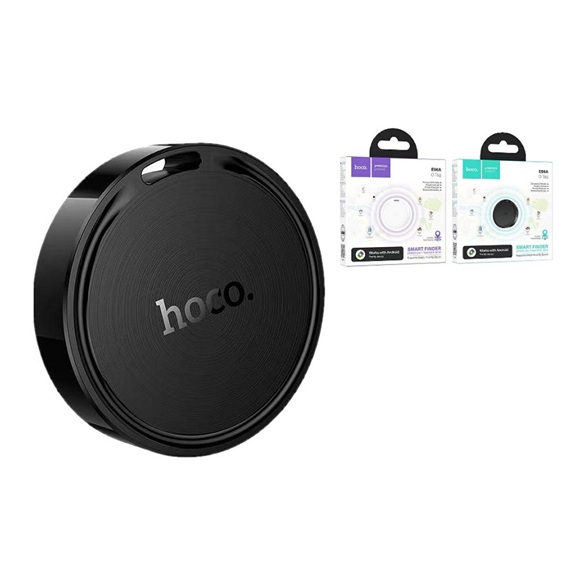
The Hoco E96A Smart Finder is a portable GPS navigator for cars running the Android operating system. This E96A Busca Smart Anti-Lost Tracker is compatible with Google Find My Device and features a replaceable battery in a case. Designed for use with Android devices, it provides precise location tracking down to the meter. Using Bluetooth 5.2 technology, the HOCO E96A smart tracker provides a seamless connection with Android devices (Android 9 and above). This allows you to quickly and easily find lost items simply by viewing the map via the accompanying app. IP67 waterproof and dustproof ratings protect the device from rain and other environmental influences. The smart tracker easily withstands accidental splashes and dust during daily use. The latest Hoco E96A price in Bangladesh is 800 TK. Want to know others’ model Smart Tag best deals? Visit our CrazygadgetBD website.
Hoco E96A Busca Smart Anti-Lost Tracker Specification
| Model | Hoco E96A Busca |
| Connectivity | Bluetooth 5.2 Low Energy (BLE) |
| Tracking Network | Google Find My Device Network |
| Compatibility | Android 8.0 (Oreo) or later |
| Wireless Range | Up to 60 meters (200 feet) in open areas |
| Buzzer Sound Level | Up to 98dB |
| Battery Type | Replaceable CR2032 coin cell battery |
| Battery Life | Up to 12 months (typical usage) |
| Water & Dust Resistance | IP67 rated (Splash, water, and dust resistant) |
| Dimensions | 38mm x 38mm x 7.5mm (Length x Width x Thickness) |
| Weight | 12 grams |
| Material | ABS Plastic |
Hoco E96A Review
Never lose your valuables again with the HOCO E96A smart finder airtag, compatible with the Android Find My Device network for precise location tracking. The global positioning system leverages Google’s vast network of Android devices to help locate your tagged items anywhere in the world. Hoco E96A O tag tracker combines functionality with style. The loud buzzer helps you find nearby items quickly, while the smartphone app shows the last known location on a detailed map. The long-lasting replaceable battery provides months of reliable tracking performance. Perfect for travelers, busy professionals, and anyone prone to misplacing important items.
Key Features of Hoco E96A Smart Finder
- Very simple to use, no additional apps required. Simply use Google Find My Device built into your Android device; no extra apps are required.
- Works through the Google Find My Device network, allowing for worldwide location tracking.
- The CR2032 button battery is replaceable and has a lifespan of 6-8 months per battery.
- High security system, supports data encryption, and prevents tracking by others.
- The Global Positioning System allows you to find items even when you are in another country.
- Location alerts with audible notifications help you quickly locate items within Bluetooth range.
- It is splash-proof up to 1 meter for 30 minutes, so you can relax knowing you won’t get wet or be outside in the rain.
- Compact design, easy to carry, can be attached to keys, bags, or other important items.
- Best for Android users who need a tracking device that connects easily with Google.
How to use the E96A device
- Turning off the device: Press the button three times in quick succession. When you press it the third time, hold the button for at least 3 seconds. A beep will confirm that the device is turned off.
- Turning on the device: Press and hold the button briefly after the device has been off. An audible signal will indicate that it is on.
- Resetting the device: Press the button 5 times in quick succession (press and release the first 4 times). On the 5th press, hold until you hear a sound. The reset is then complete.
- Removing the battery: When the battery is taken out and then put back, the device turns on automatically, and you will hear a sound to show it is on.
Frequently Asked Questions
- After you remove the insulation, if the device isn’t linked to your phone for a long time, it will switch off on its own. Press the function button to turn it back on.
- When the device isn’t showing a connection window, reset the anti-loss device by quickly pressing the button 4 times. Then, on the 5th press, hold until you hear a beep to complete the process, and you can then reconnect to your phone.
- Android should be updated to version 9 or higher for optimal performance.
- If your device doesn’t have the Google Find My Device app pre-installed, you need to download it from the Google Play Store first.